“Free” can mean no subscription, a limited trial, platform editing with your own footage, or a fully manual recreation. Each route has a different cost in time, privacy and control.
This guide separates those options so you can choose the one that is genuinely cheapest for your situation. Offers and credit allowances change, so verify the current generation screen before starting.
What you will leave with
- Manual filming is the most reliably free route when you have two people and a suitable location.
- Templates reduce edit work but may not generate new performance motion from photos.
- AI tools may offer trials or previews; check the displayed cost and export terms first.
Route 1: film it yourself
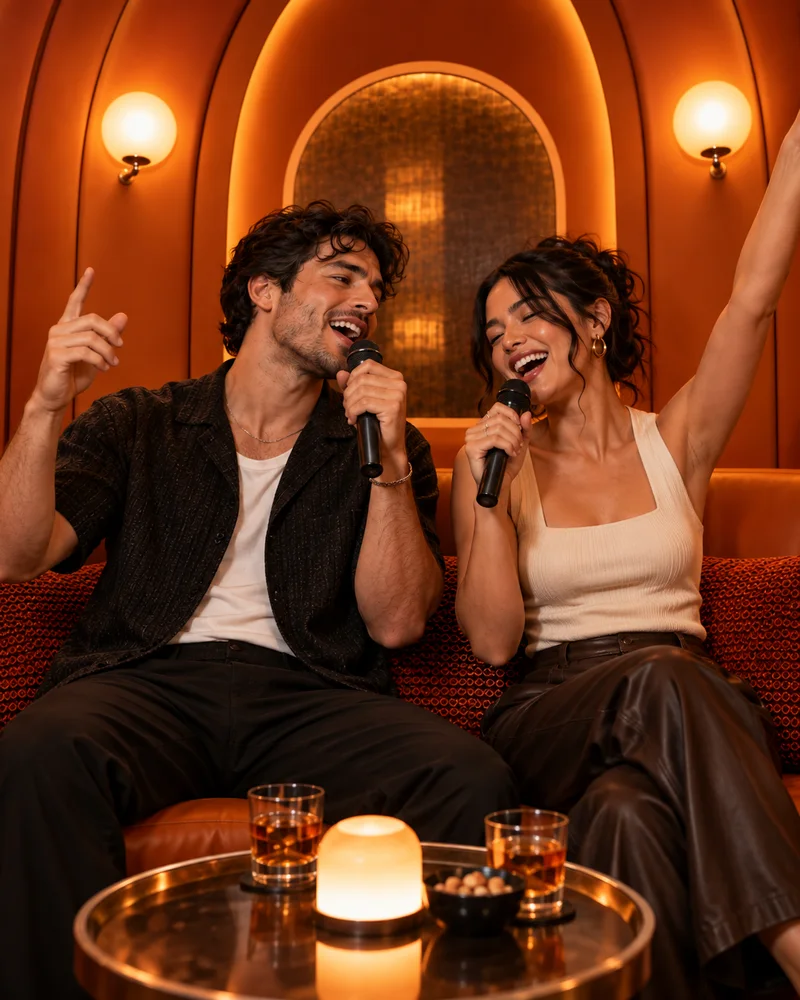
Find a curved booth or warm lounge corner, place the phone at chest height and record both people in one stable shot. Use a platform-licensed sound during editing rather than playing it loudly during capture, which gives you cleaner timing control.
This route requires the people to be together, but it offers full identity consistency and no generative uncertainty.
Route 2: use a mobile template
Search the official editing app for the current trend name, preview the media slots and replace them with your own clips or photos. Templates are best for timing and captions; inspect whether the chosen template actually animates still images.
Route 3: use an AI photo duet
- 1
Prepare two clear portraits
Crop to one subject per file and get permission from both people.
- 2
Check the generation screen
Review available trial status, credits, resolution and watermark terms.
- 3
Make the smallest useful draft
Validate the pair before selecting a longer or higher-quality output.
- 4
Publish respectfully
Disclose AI where context could mislead and use properly licensed music.
Quick answers
Frequently asked questions
Is Hotel Lobby AI always free?
Generation availability, trials and credit costs can change. The current interface shows the applicable cost before you generate.
What is the best free route?
If both people can record together, manual filming plus a free editor is the most predictable no-generation-cost option.
Ready to make yours?
Turn two photos into the orange-booth duet.
Upload one portrait for each performer, choose your output settings and review the credit total before generation.
Open Hotel Lobby AI