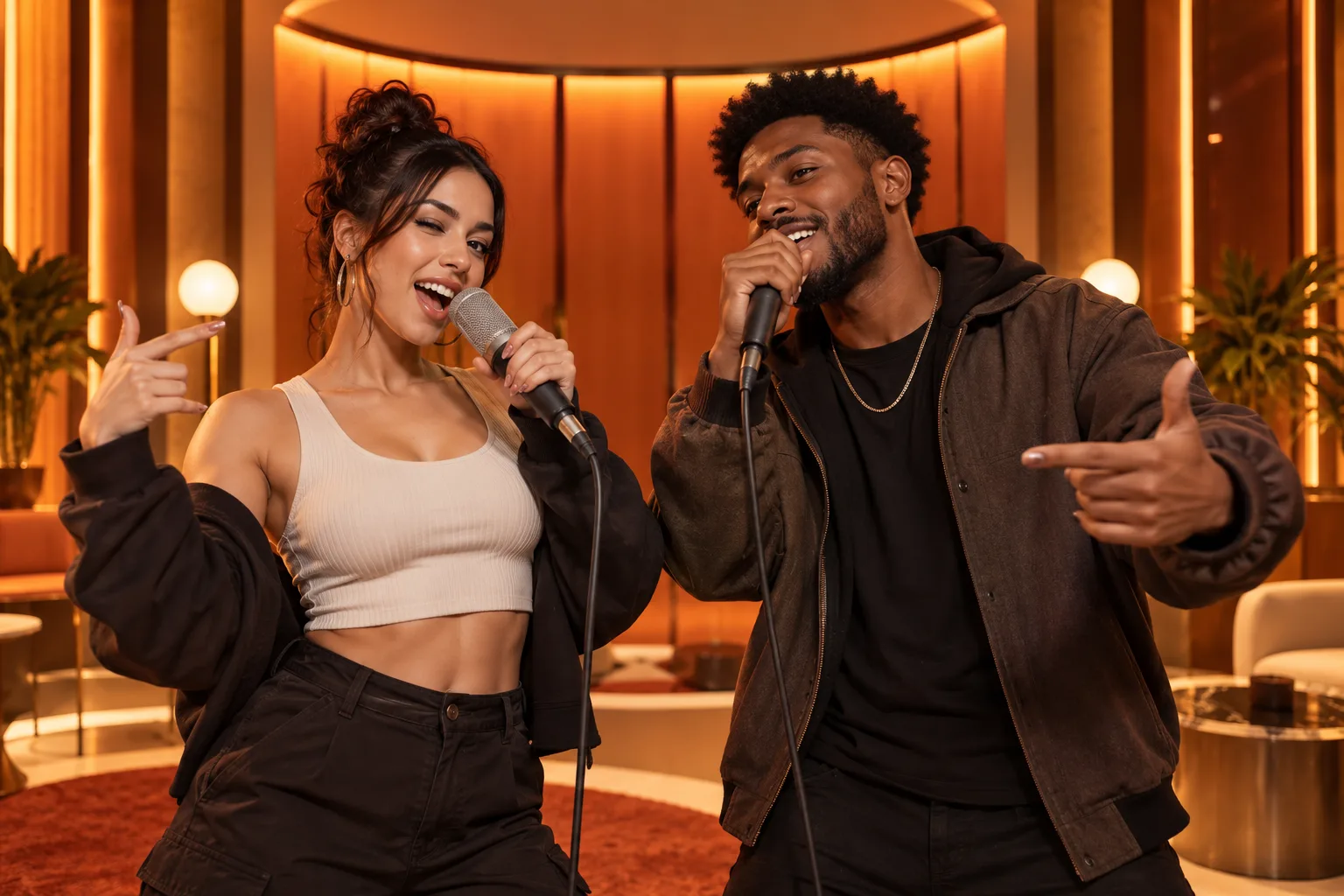
The fastest way to improve an AI duet is to improve the inputs. A high-resolution photo is helpful, but visibility matters more: the model needs a readable face, a plausible upper body and enough space around the subject to animate movement.
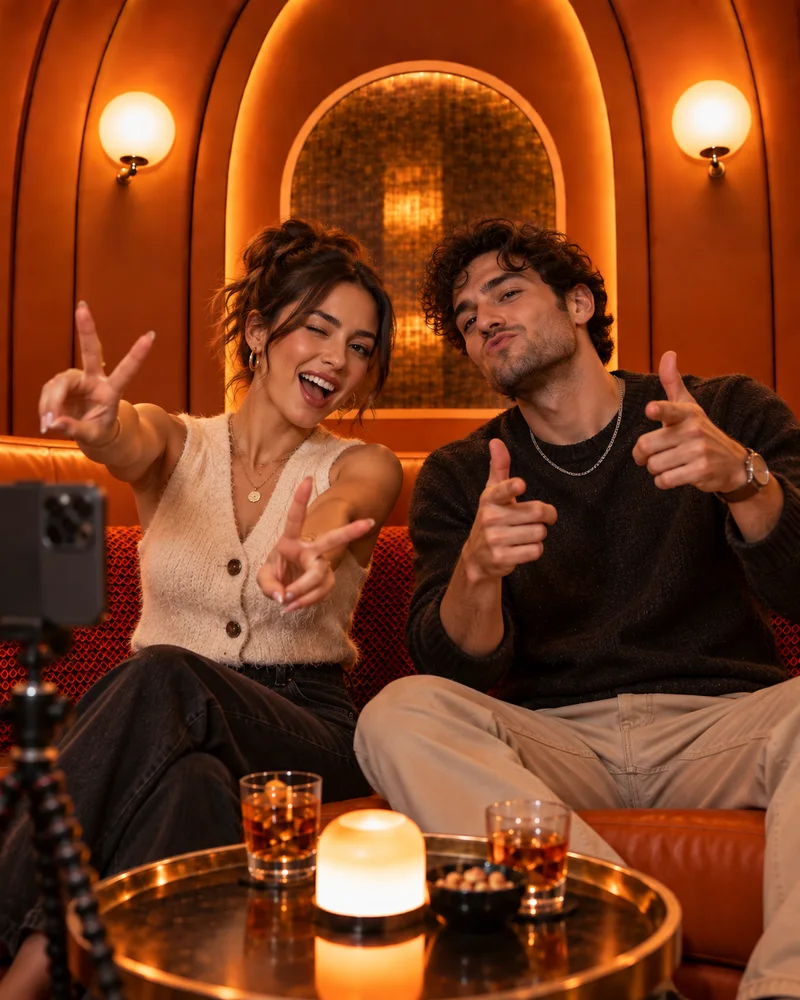
This workflow uses two separate portraits and the fixed orange-booth setup. It also explains when to crop, when to switch photos and when a higher output setting is actually worth it.
What you will leave with
- Prepare each portrait as a single-subject image before uploading.
- Use a draft to validate identity and composition before a high-quality render.
- Keep the original source files so you can try a safer crop later.
Prepare source photos that animate cleanly
Choose images where both eyes, the mouth and jawline are visible. Side profiles can work, but a three-quarter or front-facing view gives the system more facial information. Leave some shoulder space; overly tight passport crops can make motion feel constrained.
If the source is a group photo, make a duplicate and crop it to one person. Do not upload the same group image into both slots because background faces can compete with the intended subjects.
Generate a useful first draft
- 1
Upload the left portrait
Confirm the preview shows only the intended performer.
- 2
Upload the right portrait
Match face scale and avoid duplicating the same crop.
- 3
Set duration and aspect ratio
Use a short vertical draft for Reels, Shorts or TikTok; choose landscape only when the destination needs it.
- 4
Review the shown credit cost
The interface shows the cost before generation, so settings can be adjusted first.
Know what to change after the preview
If identity drifts, replace the weaker photo before increasing resolution. If the faces look right but the composition feels cramped, change the crop or aspect ratio. Higher resolution preserves a good result; it rarely rescues an ambiguous source image.
- Identity issue: use a cleaner, more front-facing portrait.
- Scale issue: crop both people to a similar head-and-shoulders size.
- Platform issue: regenerate in the destination aspect ratio rather than stretching later.
Quick answers
Frequently asked questions
Can I use screenshots?
Yes, but crop away interface elements and use the highest-resolution screenshot available.
Should I upscale photos first?
Usually not. Start with a clear original; artificial sharpening can create facial artifacts.
Ready to make yours?
Turn two photos into the orange-booth duet.
Upload one portrait for each performer, choose your output settings and review the credit total before generation.
Open Hotel Lobby AI