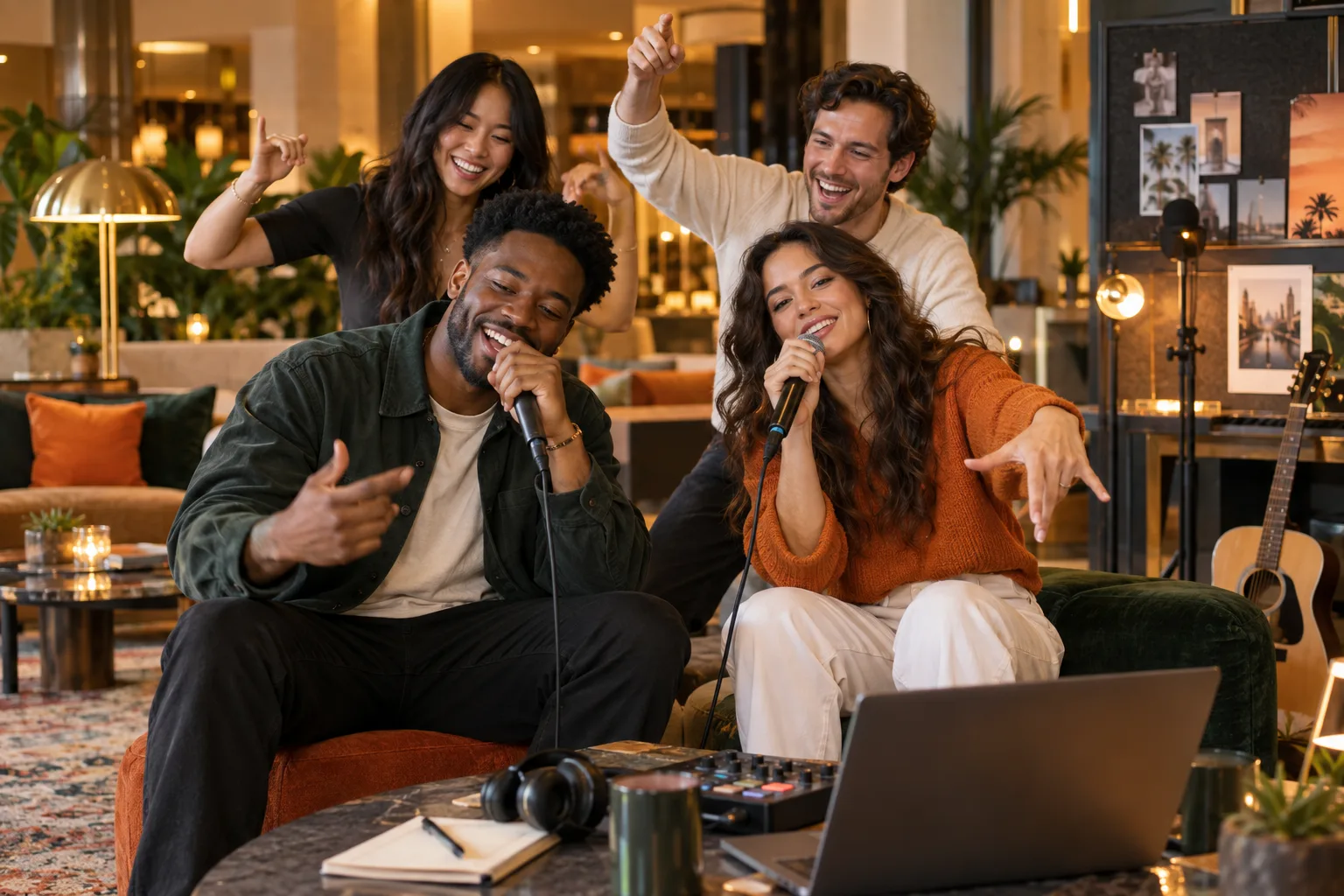
A strong friend duet starts before either photo is uploaded. The two portraits need similar visual weight, and the people need roles that feel natural: one leads the verse while the other reacts, joins in and keeps the energy moving.
Hotel Lobby AI gives each person a dedicated left or right slot, so you can build that relationship from two separate photos instead of hunting for one perfect group shot. This guide adds a shot-matching and review workflow that helps the result feel like one performance rather than two unrelated portraits.
What you will leave with
- Choose portraits with one clearly visible face and similar camera distance.
- Put the more expressive friend in the visually dominant role.
- Test a short, lower-resolution draft before spending on a longer final.
Match the two photos before you upload
You do not need matching outfits or the same background. You do need compatible framing. Pair a chest-up portrait with another chest-up portrait, keep both faces unobstructed, and avoid mixing a tiny full-body figure with an extreme close-up.
A useful test is to shrink both images to thumbnail size. If you can still identify each face immediately, the inputs are likely strong enough for a social clip.
- Use evenly lit faces without sunglasses, hands or hair covering key features.
- Prefer neutral backgrounds when one source image is visually busy.
- Crop out extra people so each upload communicates one performer.
Build the duet in three decisions
Open the generator and treat the left and right uploads as casting decisions, not file pickers. The order affects how viewers read the exchange.
- 1
Cast the left performer
Use the friend who should establish the scene or deliver the opening attitude.
- 2
Cast the right performer
Choose a reaction-friendly image with a different expression or posture.
- 3
Choose output settings
Start short, select the platform-friendly aspect ratio, then raise quality for the keeper.
Review it like an editor
Watch once for entertainment, then once with the sound off. Check face stability, hand transitions, crop safety and whether one performer appears unnaturally larger. A second generation is most useful when you change one input or setting at a time.
Add captions only after the clip is final. Keep names and important text away from the bottom interface area used by short-form apps.
Quick answers
Frequently asked questions
Do the two photos need the same background?
No. Similar framing, clear faces and compatible lighting matter more than matching locations.
Can I use an old photo of my friend?
Yes, if it is sharp enough and you have permission to use the person’s likeness.
Ready to make yours?
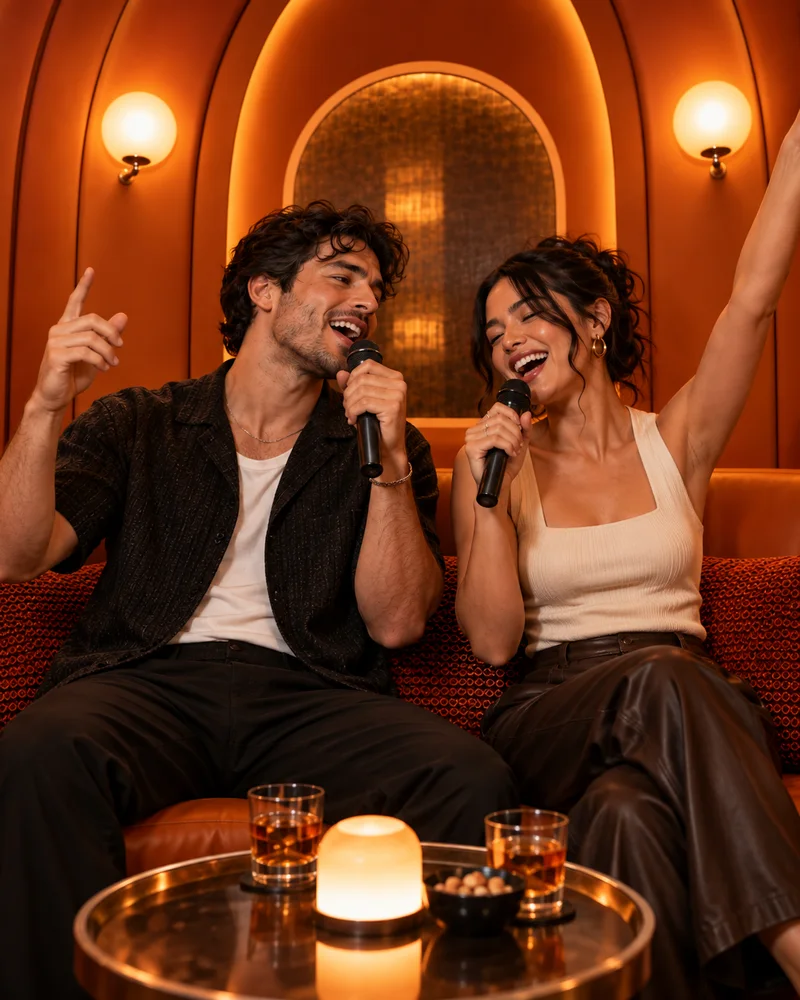
Turn two photos into the orange-booth duet.
Upload one portrait for each performer, choose your output settings and review the credit total before generation.
Open Hotel Lobby AI