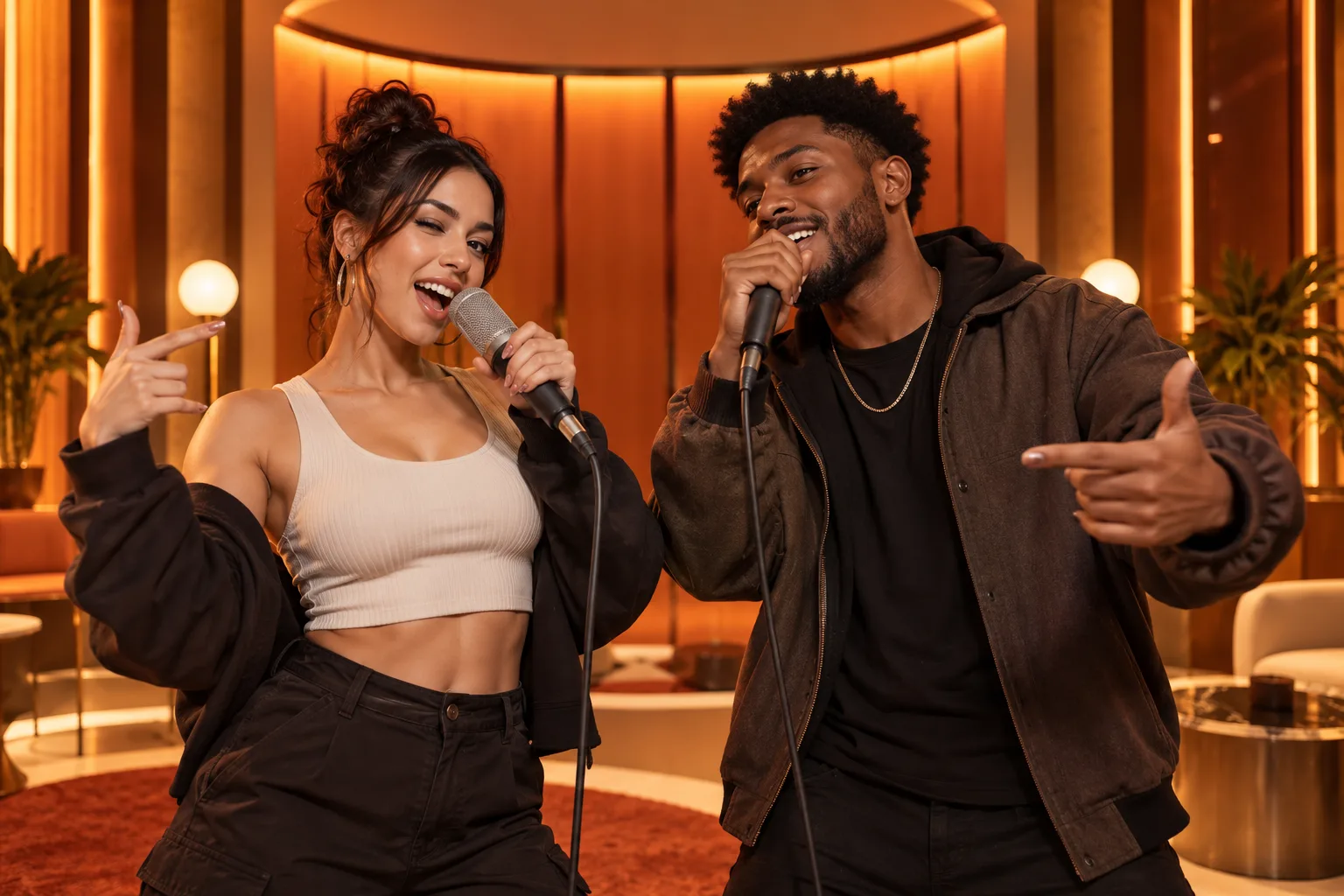
An AI rap clip is easiest to make when you separate creative decisions from technical ones. Decide who the performers are and what the post means first; then choose photos, position, duration and export quality.
The steps below use Hotel Lobby AI’s two-photo workflow and add a preflight card you can reuse for birthday posts, friend roasts and duo reveals.
What you will leave with
- Write a one-sentence purpose before selecting photos.
- Use one subject per image and deliberately assign left and right.
- Approve identity and crop in a draft before raising quality.
Step-by-step workflow
- 1
Define the moment
Name the audience, platform and one emotion: celebration, nostalgia, rivalry or surprise.
- 2
Prepare two portraits
Use visible faces, similar camera distance and clean crops.
- 3
Upload left and right
Treat the positions as performance roles rather than random order.
- 4
Set format, duration and quality
Use the destination format and confirm the displayed credit total.
- 5
Generate and inspect
Check identity, edge artifacts, movement and caption safe areas.
The 30-second preflight
- One intended person is visible in each upload.
- Eyes and mouth are not obscured.
- The two heads occupy roughly similar space.
- Aspect ratio matches the publishing platform.
- Everyone depicted has agreed to the use.
Troubleshoot the cause, not the symptom
A fuzzy face points to the source image; a cut-off subject points to crop or aspect ratio; a good image that feels narratively flat points to casting or caption. Label the problem before regenerating.
Save each accepted draft with its input pair. That small habit lets you reproduce a strong result and avoid paying to rediscover which photos worked.
Quick answers
Frequently asked questions
How long should the first video be?
Use the shortest version that proves the concept, then make a longer final only if the moment benefits from it.
Do I need editing software?
Not for the core generation. An editor is useful for captions, a custom intro, licensed audio or combining several clips.
Ready to make yours?
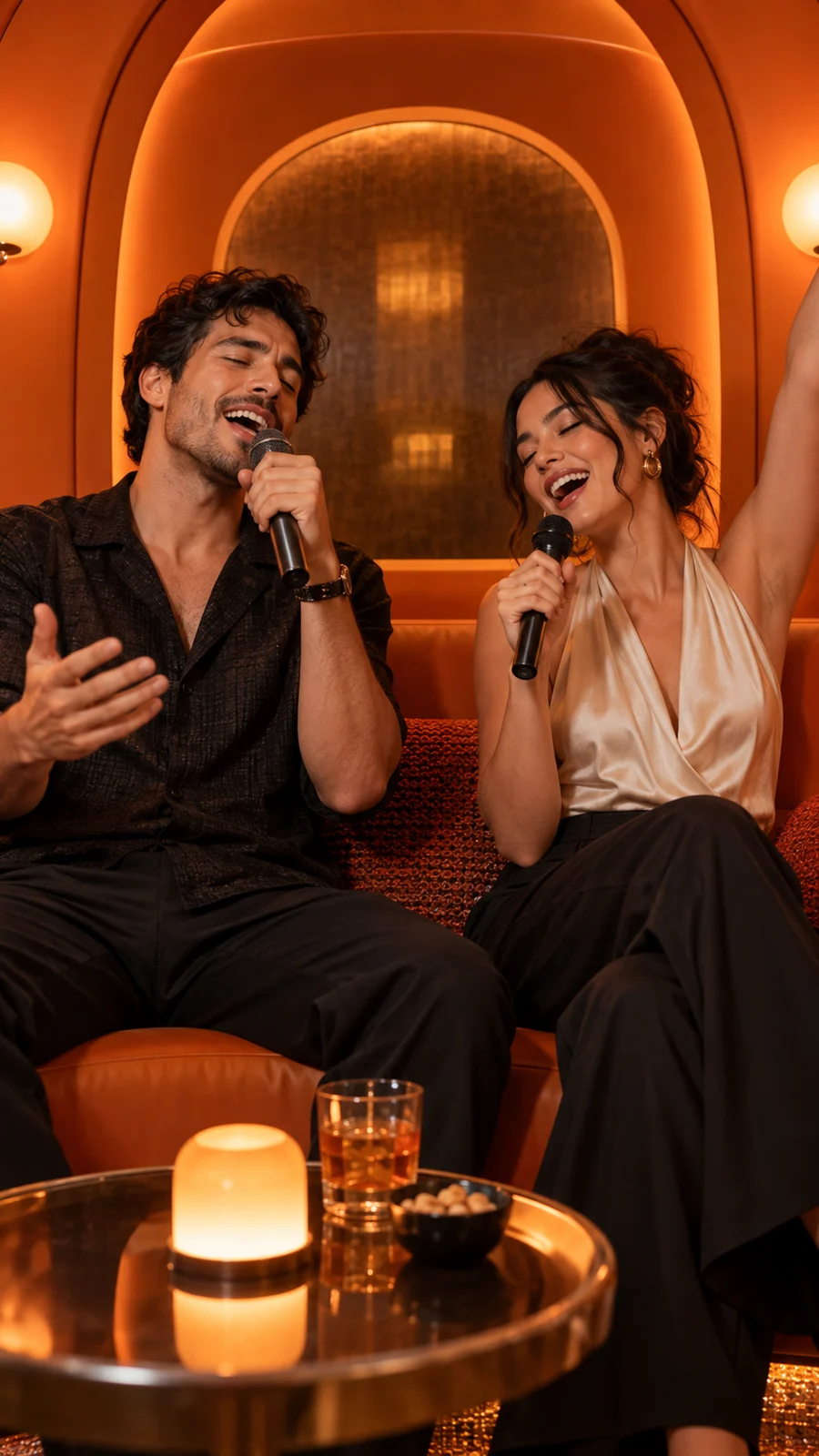
Turn two photos into the orange-booth duet.
Upload one portrait for each performer, choose your output settings and review the credit total before generation.
Open Hotel Lobby AI