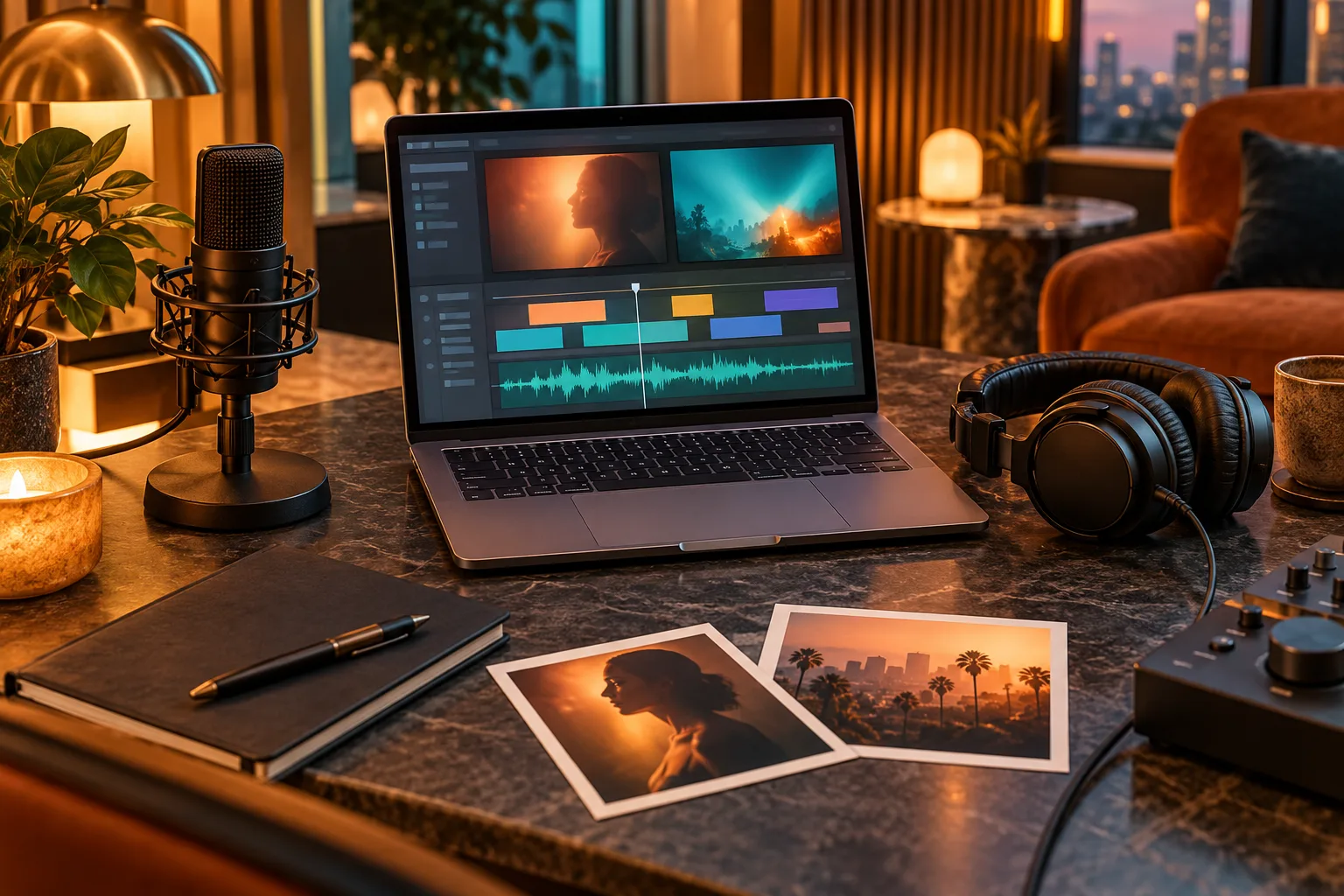
Hotel Lobby videos can be assembled in several ways: a purpose-built two-photo generator, a reusable editing template, or a motion-transfer workflow with reference footage. Each route trades setup effort for control.
The right choice depends on whether your non-negotiable input is two portraits, a specific audio track or a specific choreography. This comparison focuses on that decision, not a universal winner.
What you will leave with
- Choose a dedicated generator when the pairing and orange-booth look are the concept.
- Choose a template when you already have clips and mainly need timing and text.
- Choose motion transfer when recreating movement matters more than speed.
Four workflow types
Feature sets and prices change. Verify upload limits, watermark rules, commercial rights and the actual cost of the resolution you need on the official product page.

- Hotel Lobby AI: two separate portraits, prepared booth scene, direct output settings.
- Rap Duo-style tools: duet-oriented generation with varying audio or topic controls.
- CapCut templates: manual media replacement inside a pre-timed edit.
- Viggle or similar motion tools: source image plus reference motion, followed by editing.
Use a five-question filter
- Do you have portraits, finished clips or a performance reference?
- Must the output use your exact audio?
- Do you need one scene or a multishot sequence?
- How many revision controls are you willing to learn?
- Does the final destination require a watermark-free commercial export?
The fastest fair test
Use the same two photos and target length across two candidates. Record the time from upload to usable export, then score face consistency, composition and cleanup work. The cheaper render can be more expensive if it needs several retries and a separate editor.
For Hotel Lobby AI, begin with the short draft workflow: confirm the pair at modest settings, then render the version you plan to publish.
Quick answers
Frequently asked questions
Can CapCut generate the two performers from photos?
A template typically arranges media inside an existing edit; generative behavior depends on the specific template and app features.
What should I compare besides price?
Compare identity stability, revision time, watermark and usage rights, format controls and export quality.
Ready to make yours?
Turn two photos into the orange-booth duet.
Upload one portrait for each performer, choose your output settings and review the credit total before generation.
Open Hotel Lobby AI