A CapCut template can be ideal when you already have video clips and want a repeatable timing, text and transition package. It is less direct when all you have is two still photos and expect the template itself to create a convincing two-person performance.
Template availability varies by region, app version and creator. Search inside the official app and inspect the preview, required media slots and usage terms before importing personal photos.
What you will leave with
- Use templates for assembly and timing; use a generator for creating new performance footage.
- Check the number and type of media slots before committing.
- Export a clean AI clip first, then use a template for captions or pacing if needed.
How to evaluate a template
- Preview the entire edit and confirm it matches the Hotel Lobby scene you expect.
- Check whether slots accept photos, videos or both.
- Look for locked text, watermark behavior and audio availability in your region.
- Confirm the output ratio before replacing media.
Template route versus AI route
A template rearranges media you provide. A generative tool creates motion from the portraits. If your goal is “make these two people appear to perform,” generate first. If your goal is “apply this exact sequence of cuts,” edit first.
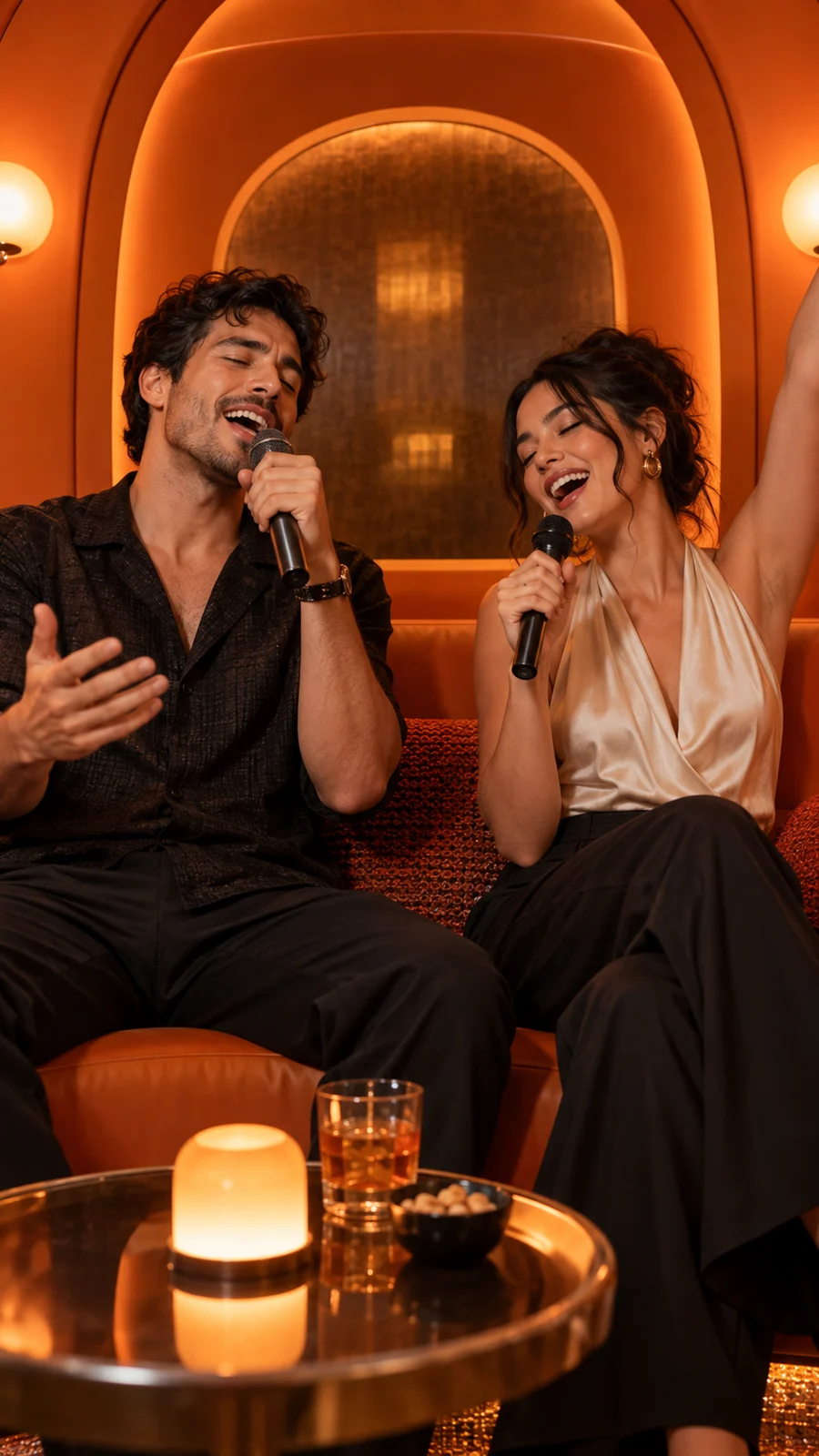
A hybrid workflow is often strongest: create the short orange-booth clip, download it, then place it in CapCut for a custom title, licensed sound and platform-specific ending.
Privacy and publishing checks
- Use official app search rather than unknown template mirrors.
- Avoid uploading private family media to a template you cannot verify.
- Confirm the music is available for your account type and region.
- Keep a clean master before adding platform effects.
Quick answers
Frequently asked questions
Why can’t I find the same CapCut template?
Templates and sounds can be region-limited, renamed or removed by their creators.
Can I use both Hotel Lobby AI and CapCut?
Yes. Generate the performance first, then use CapCut for text, timing, transitions or licensed platform audio.
Ready to make yours?
Turn two photos into the orange-booth duet.
Upload one portrait for each performer, choose your output settings and review the credit total before generation.
Open Hotel Lobby AI