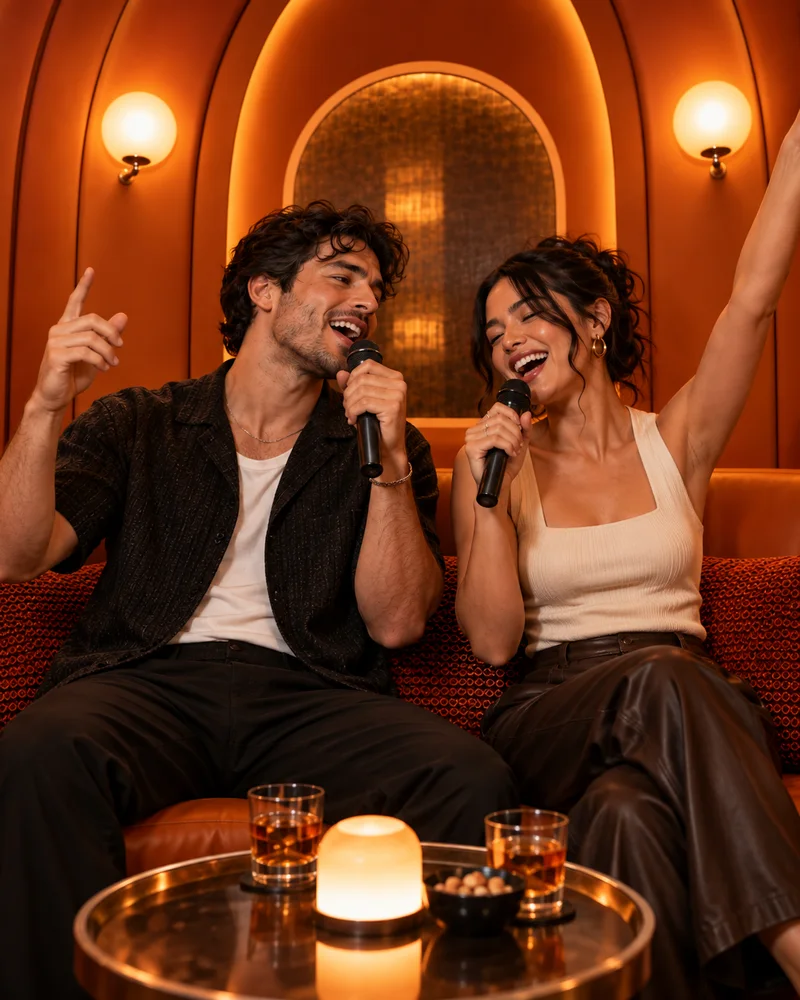
Two clean portraits are the easiest inputs, but a good group photo can work if you prepare it correctly. The key is to turn the group source into two independent images before generation, so each slot has one unambiguous person.
This guide covers both routes and adds a decision tree for common problems such as overlapping faces, mismatched crops and low-resolution social photos.
What you will leave with
- Crop a group photo into separate files before uploading.
- Do not use a crop where another person’s face remains at the edge.
- Change source images before increasing output quality when identity is weak.
Two portraits or one group photo?
Choose separate portraits when you have them; they offer more pixels and cleaner subject separation. Use a group photo when the shared moment is part of the story or when it is the only suitable source.
For a group source, duplicate the file twice. Crop one version around performer A and the other around performer B. Keep similar head size and shoulder space in both crops.
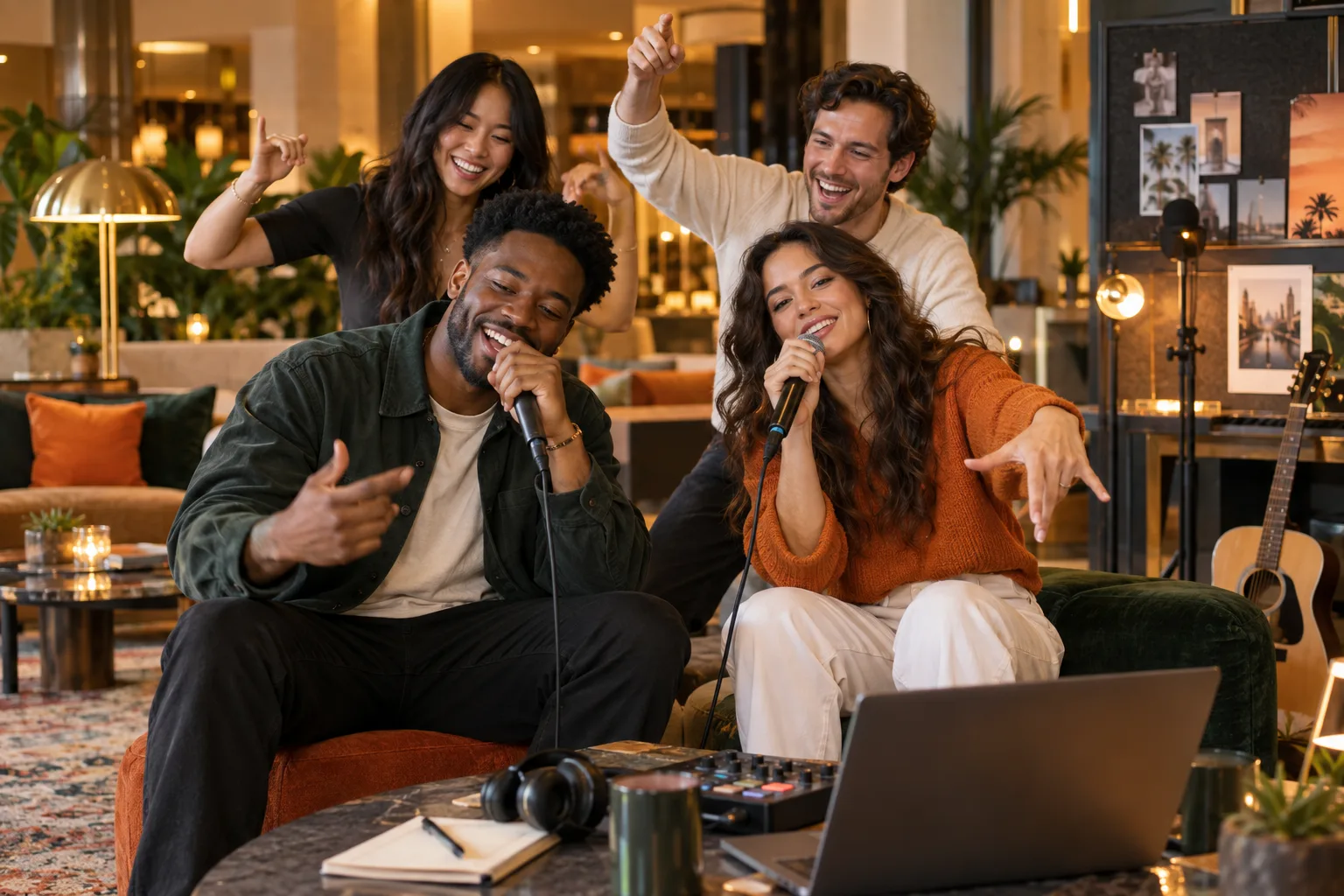
A simple input decision tree
- Faces overlap: find another photo; generative cleanup is likely to invent details.
- One face is much smaller: replace it with a separate portrait if possible.
- Lighting differs: accept the contrast if faces are clear; the shared scene helps unify them.
- Only one good photo exists: pair it with another photo from a similar age or hairstyle.
Generate, compare and finish
- 1
Assign the pair
Upload one subject per slot and compare preview scale.
- 2
Run a short draft
Use it to judge recognition, not final sharpness.
- 3
Change one variable
Replace a crop or alter format so you know what improved the result.
- 4
Export the keeper
Check permissions, captions and platform safe areas before publishing.
Quick answers
Frequently asked questions
Can I upload the same group photo twice?
It is better to create two separate crops so each input contains one clear performer.
Does background removal help?
Usually a clean crop is enough. Remove the background only when it competes with the face or contains other people.
Ready to make yours?
Turn two photos into the orange-booth duet.
Upload one portrait for each performer, choose your output settings and review the credit total before generation.
Open Hotel Lobby AI