01
Upload one clear photo for each performer
Choose a JPG, PNG, or WebP up to 10 MB for the left role and another for the right role. Use one visible, front-facing subject in each image when possible.
Hotel Lobby AI trend generator
Upload one clear photo for each performer, place them in the left and right roles, and prepare an orange-booth duet for TikTok, Reels, or Shorts.
 Orange Booth Duet
215 credits per video · Sign in to generate
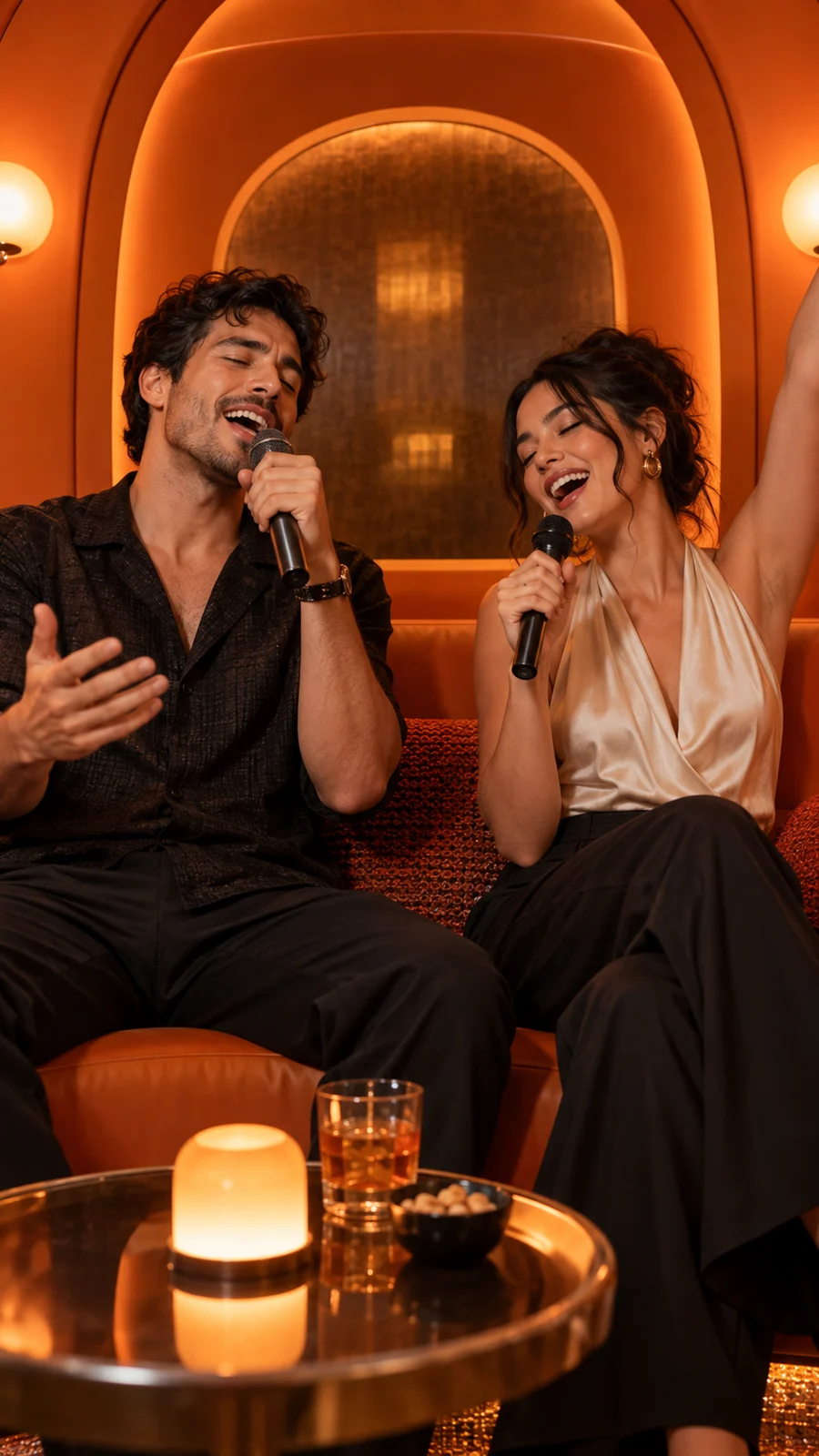
Orange-booth preview
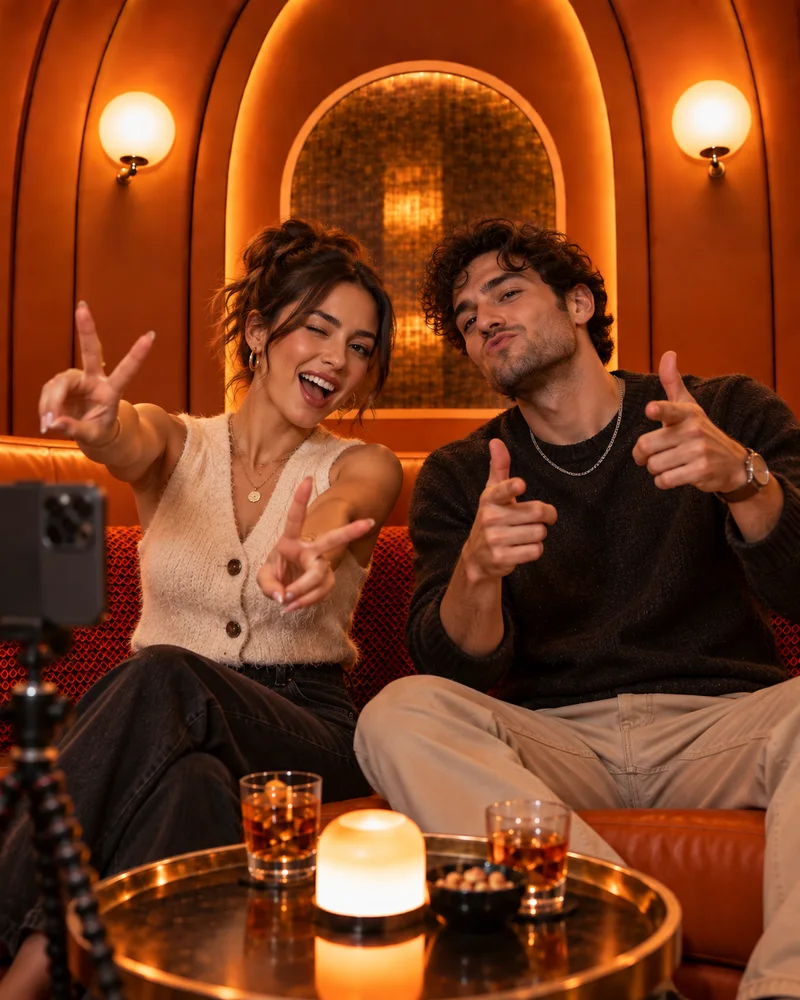
This static image shows the intended framing: one uploaded photo in the left role, the other in the right role, and both performers inside the warm orange booth. Generated movement and identity consistency can vary, so review the complete video before posting.
Try the Hotel Lobby AI generatorStart with two recognizable photos, assign the roles, and inspect the full video before you share it.
01
Choose a JPG, PNG, or WebP up to 10 MB for the left role and another for the right role. Use one visible, front-facing subject in each image when possible.
02
Check that the intended performers are in the left and right upload slots, then choose a video quality, a duration from 4 to 15 seconds, and an aspect ratio before continuing.
03
Start the Hotel Lobby AI video, then review both identities, their positions, the crop, and the audio before you publish the result on a social platform.
Hotel Lobby AI uses two separate source photos so the intended performers are explicit. Clear inputs and a careful final review give you the best chance of keeping each identity recognizable from the first frame to the last.
Choose two recognizable source images and make the trend your own. Each upload slot controls one role in the composition.
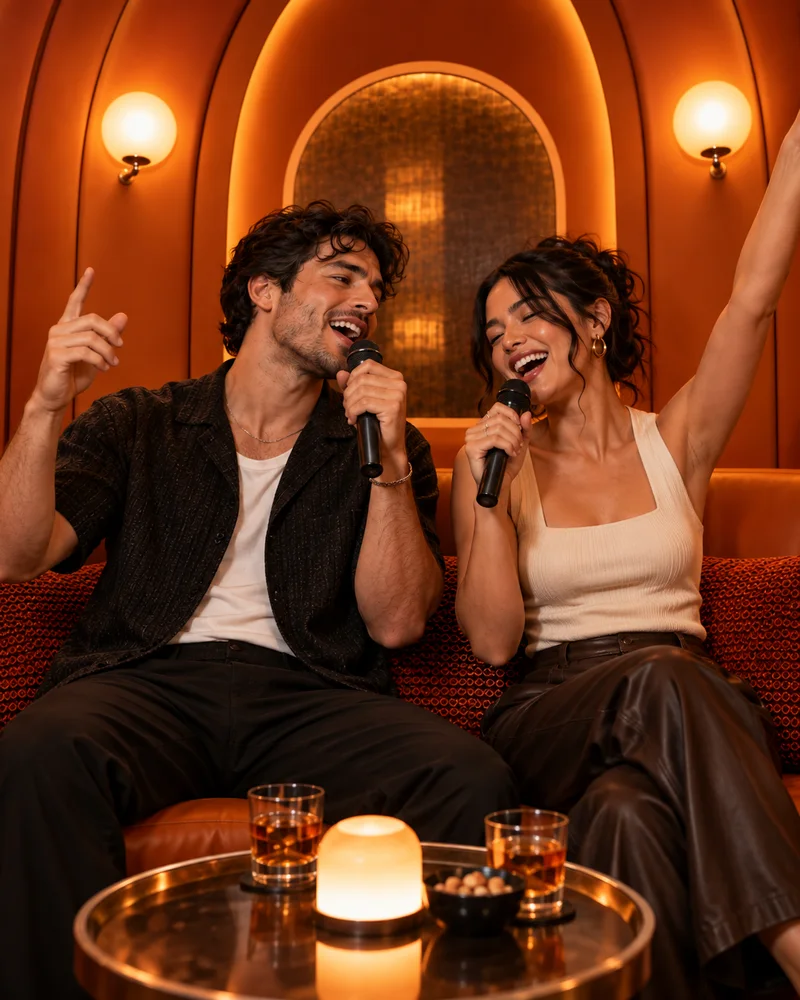
Friends and couples
Place one person in each role and use clear, separate portraits. The left and right upload slots make the intended casting explicit before you create the Hotel Lobby AI video.
A playful two-person clip for TikTok, Reels, or Shorts
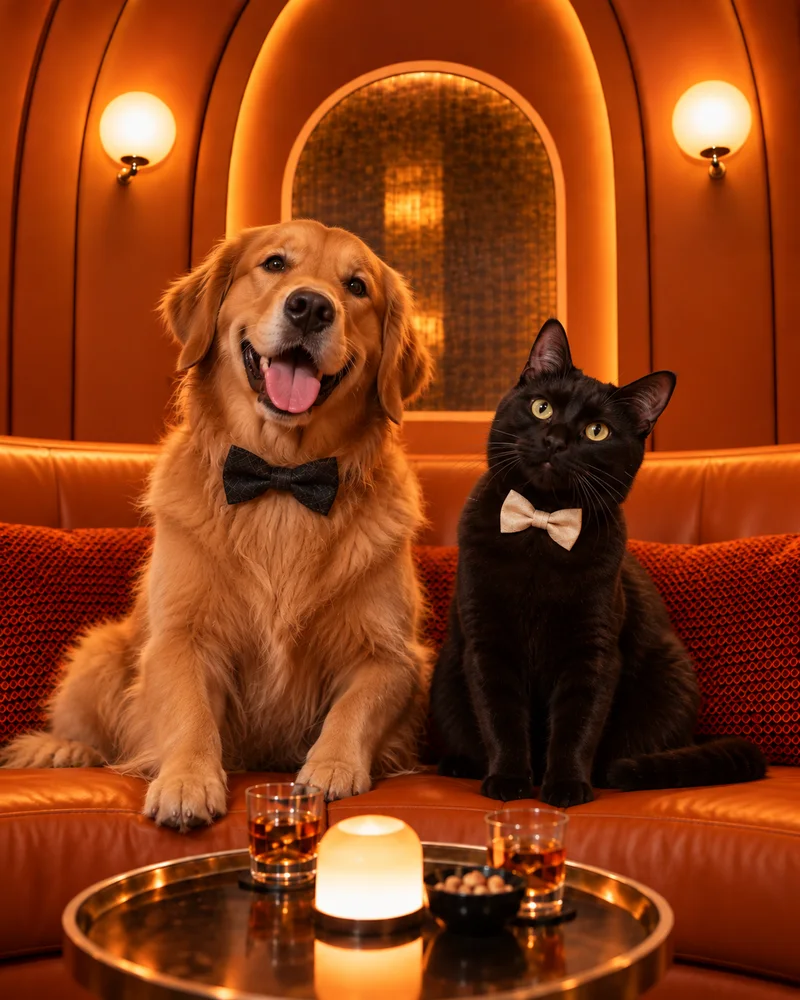
Pets and characters
Try a pet, illustrated character, or the same subject in both roles. Front-facing images with one visible subject give the template a clearer reference for each performer.
A recognizable remix built around your own pair of images
Social creators
Use the preset orange-booth template instead of describing the scene from scratch. Choose an output quality, review the preview, and keep the composition ready for vertical feeds.
A repeatable format for short-form social content
Turn two photos into a share-ready duo video. Submit your request in a few clicks and download without an added watermark.
Annual credits are added in full after payment and remain valid for one year.
Annual billing with a full year of credits after each payment.
Billed yearly · $50.00
2,400 credits
credits upfront for the year
Annual billing with a full year of credits after each payment.
Billed yearly · $180.00
21,600 credits
credits upfront for the year
Annual billing with a full year of credits after each payment.
Billed yearly · $299.50
48,000 credits
credits upfront for the year
Monthly and yearly plans renew automatically at the shown price each billing period until canceled in Account → Billing. Credit packs are one-time purchases.
Video counts are alternatives, based on spending all plan credits at one quality at 13 seconds per video. Other durations use different credits. Buy additional credits if the selected quality costs more than your remaining balance.
Subscriptions started during the offer renew at the checkout price until canceled. Offer ends October 6, 2026 at 23:59 (GMT+8).
Hotel Lobby AI is the common search name for a two-performer AI video format set inside a glowing orange booth. People recreate it by assigning two photos to the duet roles, generating the movement, and sharing the vertical result on short-form video platforms.
The name describes the online trend, not a literal hotel-lobby set or a general-purpose AI model. This generator focuses on that specific visual template, so you do not need to write a scene prompt from scratch.
Good source images make each role easier to interpret. Use these checks before generating and review the full output afterward.
A close, front-facing portrait gives the template a stronger reference than a distant group shot, hidden face, or heavily blurred image.
Upload each performer into the role you want before starting. If the result swaps or changes a face, try a clearer source photo and generate a new version.
Keep the face, hairline, and shoulders visible when possible. Sunglasses, hands over the face, and tight edge crops can reduce identity consistency.
Review both faces, the framing, movement, and audio from beginning to end. AI output can vary, even when the same photos are used again.
Hotel Lobby AI is the phrase people use to find the trend. The visual itself is known for its warm orange booth, two seated performers, and vertical duet framing—not for showing a realistic hotel reception area. The common search name and the visible set simply describe two different parts of the same trend.
Practical answers about photos, credits, audio, watermarks, and processing.
Upload one clear photo for the left performer and one for the right performer. Choose a quality (480p, 720p, 1080p, or 4K), a duration from 4 to 15 seconds, and an aspect ratio, then start the Hotel Lobby AI generator. Review the faces, positions, crop, and audio in the completed video before sharing it on TikTok, Reels, or Shorts.
The current Hotel Lobby AI template displays a cost of 215 credits for a 5-second 480p video, with credits varying by resolution and duration. Choose a monthly plan, yearly plan, or one-time credit pack, and check the pricing page for the current allowance and checkout price.
A generation confirmed as failed does not consume credits. A slow response, closed tab, or polling timeout does not necessarily mean a job failed; a job that later completes may use the displayed credits. Contact support with the task identifier if a charge appears incorrect.
The generator does not grant rights to a trending song or other third-party audio. Listen to the completed file and confirm which audio it contains before posting. Platform music libraries and licensing rules can differ, so add or replace audio in the destination app when necessary.
Downloads created with a paid plan or credit pack do not include an added Hotel Lobby AI watermark. Review the completed video before publishing: generated content can still contain visual artifacts, and a social platform may add its own watermark after you upload or edit the video there.
Use two separate, well-lit images with one front-facing subject in each. Keep the face, hairline, and shoulders visible, and avoid group shots, heavy blur, hands covering the face, or very small subjects. Similar framing between the two source photos can also make review easier.
You can upload pets, illustrated characters, or the same subject into both role slots. Results vary because the template still has to interpret each image as a performer. Use a clean image for each role and check identity consistency throughout the full video.
The service does not promise a fixed completion time. Processing can vary with output quality, demand, and the generation provider. Keep the task identifier if one is shown, and do not assume a slow status check means the job failed or that its credits should be restored.
“Hotel Lobby AI” is the search name people use for this duet-style AI video trend. The recognizable visual is the warm orange booth and two-performer composition, not a literal hotel lobby. This site uses that common name to help people find the matching template.
Choose one clear image for each role, confirm the left and right performers, and use the orange-booth template without writing a prompt.