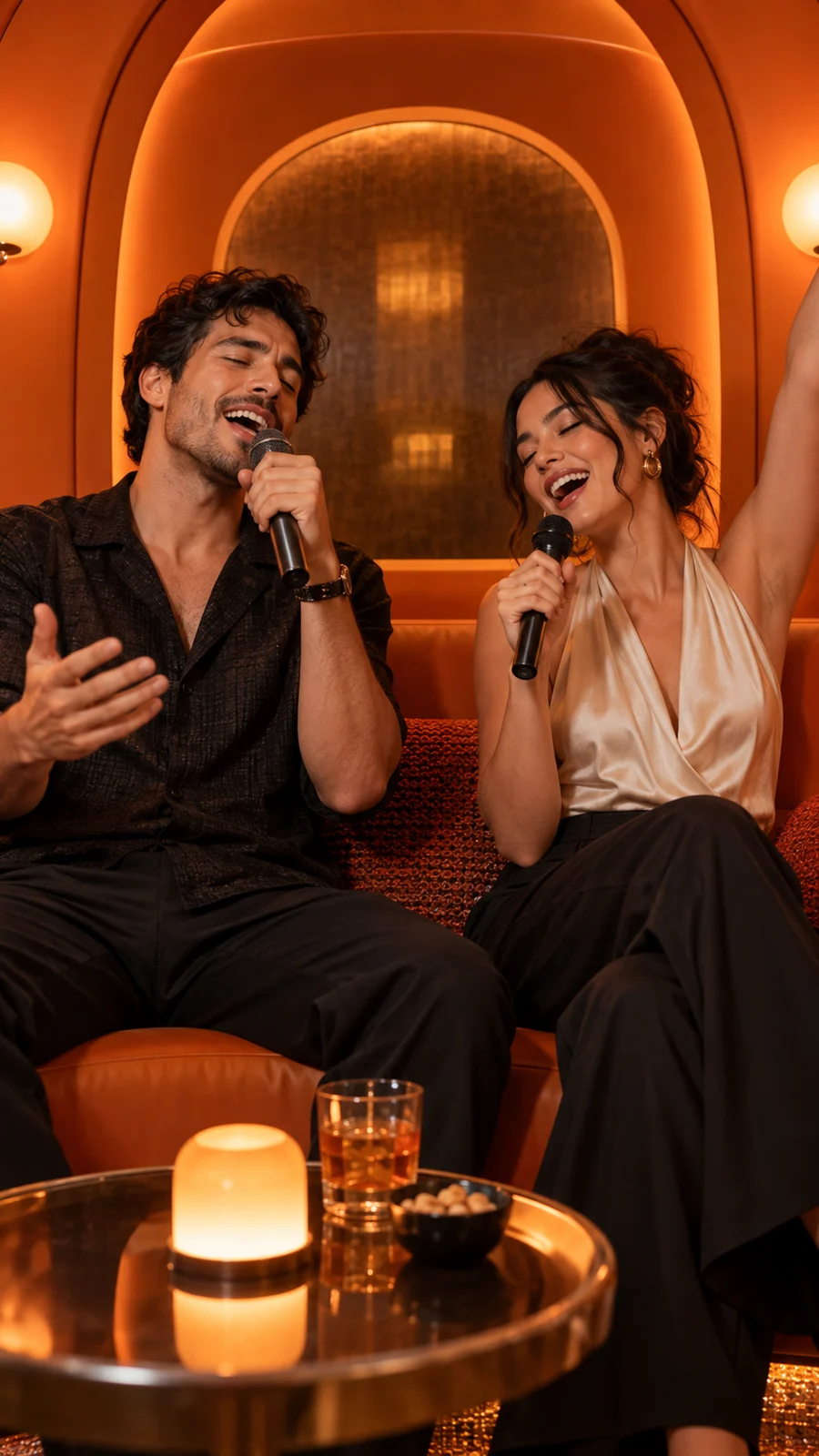
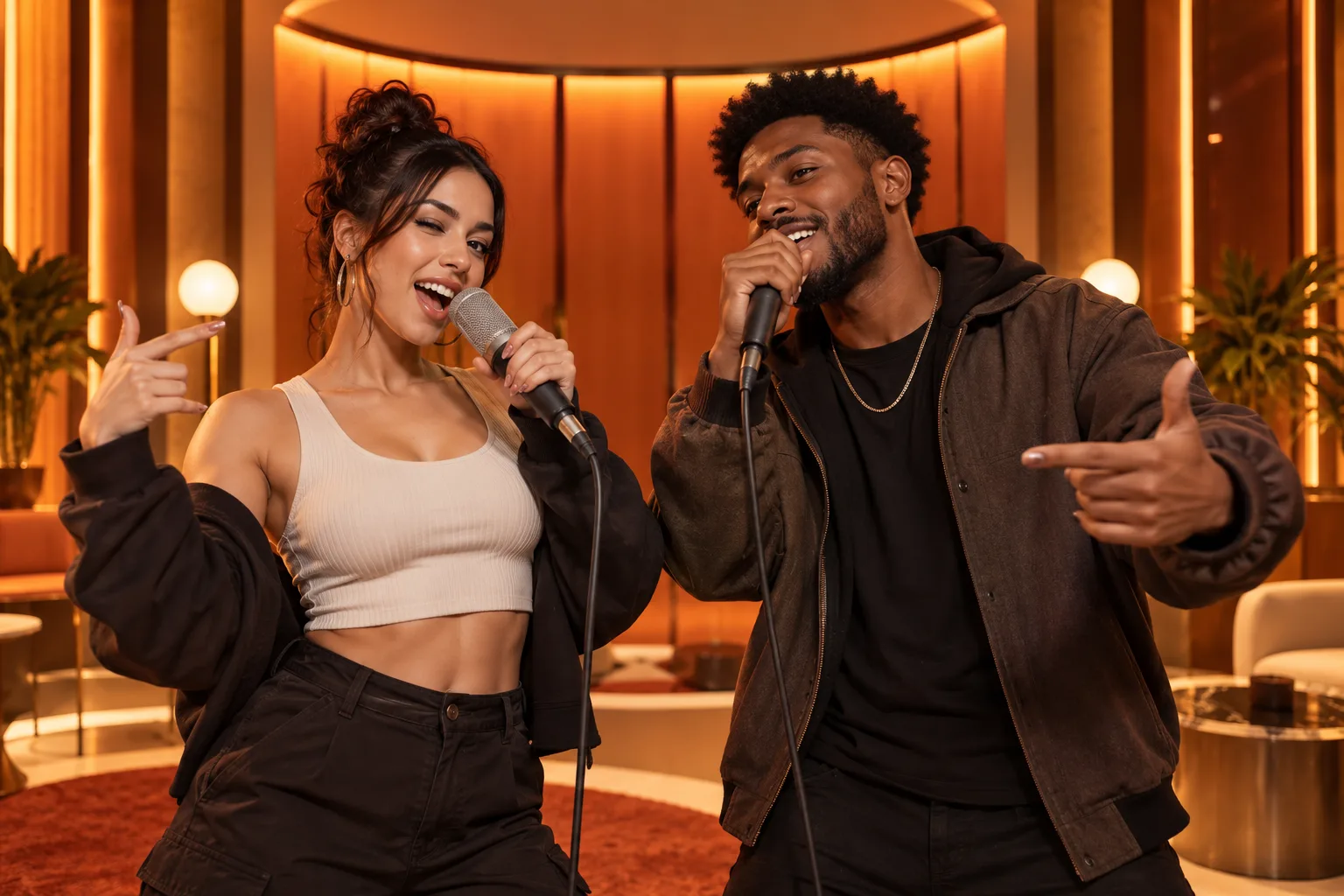
The Hotel Lobby format works because the visual idea is immediate: two recognizable people suddenly behave like a confident rap duo in a warm, curved booth. The transformation is fun, but recognition is what makes viewers stop.
You can create the setup with two separate photos. The process is simple; the craft comes from pairing the right expressions, choosing the right output format and posting a clip that lands quickly.
What you will leave with
- Use two distinct portraits rather than a crowded group image.
- Choose the aspect ratio for the destination before generation.
- Make the first second understandable without explanatory text.
Why the format reads so quickly
A fixed setting gives the audience context while the faces provide surprise. That combination is why a family member, coworker or pet can be funnier than a polished creator portrait. Familiarity is the hook.
Think in contrasts: serious and playful, parent and child, old photo and recent photo, or polished headshot and casual selfie. Keep the contrast human, not humiliating.
From two files to one finished clip
- 1
Pick a readable pair
Match camera distance and confirm each image contains one main subject.
- 2
Assign left and right
Use position to establish who leads and who reacts.
- 3
Choose format and length
Short vertical clips are easiest to evaluate and repurpose.
- 4
Generate and inspect
Check faces, edges, timing and safe areas before downloading.
Add a publishing layer
The generated scene is the visual core, not necessarily the complete post. Add a short setup in the caption, tag the other person with permission and use on-screen text only when it adds context the image cannot provide.
- Keep captions above platform controls.
- Export the clean master before adding app-specific stickers.
- Disclose AI use when the context could otherwise mislead viewers.
Quick answers
Frequently asked questions
Do I need a prompt?
No. The site uses a prepared duet experience with dedicated photo and output controls.
Can I make a landscape version?
Yes. Select the aspect ratio that matches where the video will be watched.
Ready to make yours?
Turn two photos into the orange-booth duet.
Upload one portrait for each performer, choose your output settings and review the credit total before generation.
Open Hotel Lobby AI